
What’s Windows Live OneCare Safety Scanner? This long name itself is hard to pronounce in one breathe… but that’s exactly what prompted me today when I wanted to transfer a file to my friend in Windows Live Messenger. To be exact, I was transferring an EXE file.

Windows Live Messenger… (MSN for short) alerted of virus/trojan threat and required me to either scan the file using the antivirus program on my computer, or download and setup a free virus scanner from Microsoft for free. I opted for the latter because I wanted to see what’s in store for this “free virus scanner from Microsoft”. 🙂
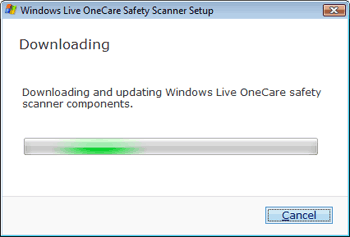
That’s what happened when I clicked “Install”. Took a while to download and setup this so called Windows Live OneCare Safety Scanner. But the whole process is pretty much on auto-pilot. After everything was done, no chance was really visible. The scanner is perhaps running in the background, or is only invoked when we want to send a risky file such as an EXE.
What’s your experience or thoughts on this? You trust Microsoft’s Windows Live OneCare Safety Scanner or not?